
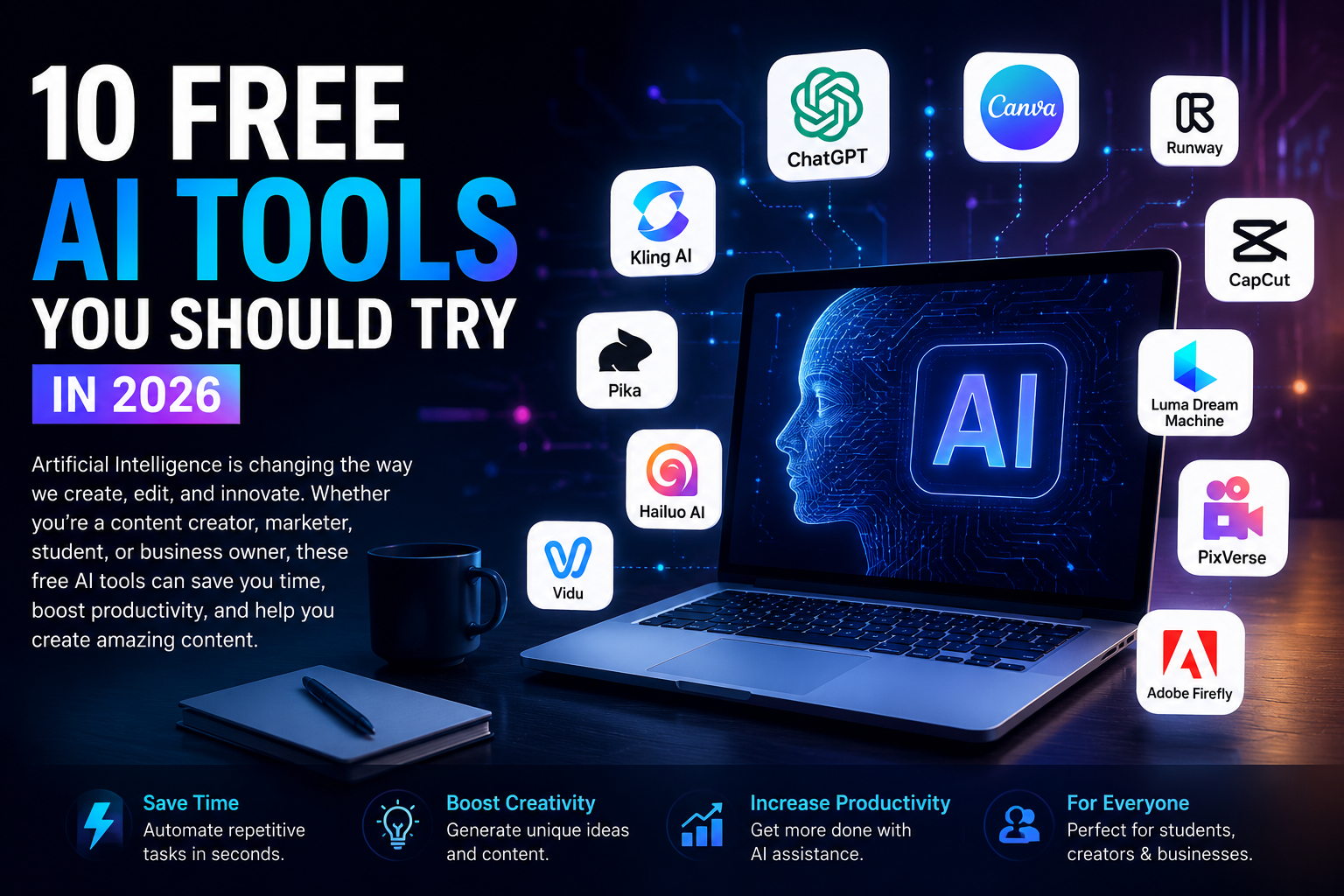
10 Free AI Tools You Should Try in 2026
AI tools are changing the way people create content, edit videos, design graphics, and complete everyday tasks. The good news is that you do not always need expensive software to get started. Below are 10 popular AI tools worth exploring in 2026, especially if you are interested in AI photo-to-video generation, content creation, and digital marketing.
King AI is a powerful AI video-generation platform. It can turn text or images into engaging videos. It is especially useful for animating a still photo and giving it realistic movement.
You can upload an image and describe the motion or scene you want to create. The AI then generates a short video based on your instructions. Its realistic motion makes it useful for social media creators and marketers.
You can experiment with different camera movements and visual styles. King AI is also useful for creating promotional content without traditional video equipment. For creators, this can reduce the time required to produce short videos. If you want to explore AI photo-to-video generation, AI 10 tools is one to try first.
Runway is an AI-powered creative platform designed for modern video production.
It provides tools for generating and editing videos with artificial intelligence.
One of its useful features is the ability to animate images and create video scenes from visual ideas.
This makes it interesting for creators who want to turn static images into dynamic content.
Runway can also help with visual effects, editing, and other creative workflows.
Its interface is designed for people who want more control over AI-generated video.
You can experiment with prompts, images, and different creative concepts.
It is especially useful for social media content, advertising, and experimental film-making.
Beginners may need some time to understand all of its features.
For professional-looking AI video projects, Runway is a strong option to explore.
Hailuo AI is a popular platform for creating AI-generated videos. It can transform images and written descriptions into short clips. Additionally, the tool is useful when you have a good photograph but want to add movement and storytelling.
For example, you can start with a product image and create a short promotional scene. Moreover, you can experiment with characters, landscapes, and cinematic concepts. You can adjust pacing, color, and sound to match your brand. Short clips work well for social feeds and ads.
The final result depends heavily on the source image and the prompt. Hailuo AI is worth testing for quick photo-to-video AI content. If you compare it with other AI video generators, AI 10 tools can complement this workflow. This helps broaden testing options for audiences.
- Pika
Pika is an AI creative platform focused on generating and transforming video content. It makes AI video creation accessible to creators.
You can use images and text prompts to experiment with different video ideas. The platform is particularly interesting for short-form social media content.
Creators can turn simple visual concepts into more dynamic scenes. Additionally, AI 10 tools can enhance creativity by offering varied effects.
Luma Dream Machine is an AI video-generation tool designed to create realistic and imaginative video content. It can generate video from text prompts and can also work with images as starting points. This makes it useful for people who want to bring photographs and visual concepts to life.
You can describe movement, camera direction, atmosphere, and the overall scene. The system then attempts to create a video that matches your description. It can be useful for cinematic experiments, storytelling, advertisements, and social media videos. As a result, creators can explore ideas quickly and iterate visuals.
The quality of your source image can have a major impact on the final result. Detailed prompts can also help you communicate the desired visual style more clearly. AI 10 tools include Luma Dream Machine among others. This combination helps you compare options and select the workflow that best fits your project.
PixVerse is an AI video-generation platform that focuses on creating engaging visual content. It helps users transform images and ideas into short AI-generated videos. This makes it particularly useful for social media creators. You can start with a photograph and experiment with movement and visual effects.
The platform can also be useful for creating imaginative scenes that would be difficult to film traditionally. Creators can test different styles and concepts to find something that fits their audience. It can be useful for Instagram Reels, TikTok videos, YouTube Shorts, and promotional content. Additionally, AI 10 tools can illustrate different optimization approaches.
Clear prompts can also help guide the AI toward the result you want. For quick and creative AI image-to-video generation, PixVerse is worth trying.
Vidu is an AI video-generation platform designed to create videos from text and visual inputs. Additionally, AI 10 tools offer a range of creative possibilities for this approach. This framework supports rapid ideation and experimentation for diverse media projects. It scales from simple clips to narrative-driven visuals.
It can turn static images into animated scenes. The tool is useful for creators who want to experiment with AI storytelling. You can provide an image and describe the movement or scene you want. The AI then generates a video based on the information you provide. This workflow supports creative projects, social media content, and marketing experiments.
Vidu is also useful when you want to test different visual concepts quickly. As with most AI video tools, results can vary depending on the prompt and source image. Trying multiple prompts can help you discover better results. For creators exploring modern AI video generators, Vidu remains worth testing.
CapCut is widely used for creating and editing short-form videos. Unlike some AI video generators, CapCut combines AI features with traditional editing tools. You can import photos, arrange them into a video, add transitions, and include music or text.
Its AI-powered features can make certain editing tasks faster and easier. This makes CapCut especially useful for TikTok, Instagram Reels, and YouTube Shorts. It is also suitable for beginners who do not have professional video-editing experience.
You can combine AI-generated clips with photographs and manually edited footage. Templates can also help you create attractive videos without starting from scratch. AI 10 tools are available by various providers, but CapCut remains a practical option for everyday photo-to-video editing.
Canva is a popular online design platform that includes AI-powered content creation. It lets users create social media posts, presentations, graphics, and videos in one place. You can combine photographs, text, animations, music, and templates to make short videos. Its AI features speed up parts of the creative process. Canva is especially useful for people who want a simple visual editor rather than complicated professional software.
Additionally, it can be used for business advertisements, social media content, educational videos, and presentations. Beginners can start with templates and gradually create their own designs. You can also combine AI-generated visuals with your existing photographs. Some features may require a paid plan, so it is important to check what is available on your account. For simple AI video and photo content creation, Canva is an excellent platform to explore. AI 10 tools can complement Canva in workflows.
Adobe Firefly is Adobe’s generative AI platform for creative work. It helps creators generate and modify visual content using AI. Firefly can be useful for creating images, experimenting with visual concepts, and supporting creative workflows. The platform is designed to streamline visual experimentation. It supports designers, marketers, and content creators.
Its technology is particularly relevant to designers, marketers, and content creators. You can use AI-generated visuals as part of larger projects and creative campaigns. It can also help turn an initial idea into a visual concept more quickly. This helps teams iterate quickly.
For people already familiar with Adobe’s ecosystem, Firefly fits naturally into their workflow. If you want AI 10 tools for content creation, Firefly is an important platform to know. It can also help turn an initial idea into a visual concept more quickly.
Final Thoughts
AI 10 tools simplify turning simple ideas and photos into engaging visuals. Each platform has strengths, so choice depends on your goal and budget.
For beginners, trying several tools helps you find a workflow you like. Always check current free plans, commercial terms, and available features before use.
This helps ensure you stay compliant when using AI-generated content for business.
Article related keywords
• Free AI tools you should try in 2026.• Best free AI tools for content creators in 2026.• Best AI photo to video tools for beginners.• Free AI photo to video generator online.• Best AI tools for turning photos into videos.• Free AI video generator from images online.• Best AI image to video generator in 2026.• Free AI video editing tools for social media.• Best AI tools for creating videos from photos.• Free AI tools for creating social media videos.• Best AI tools for video content creation.• AI tools to turn images into realistic videos.• Best free AI tools for YouTube video creation.• Free AI tools for TikTok and Instagram videos.• Best AI video generation tools for beginners.