
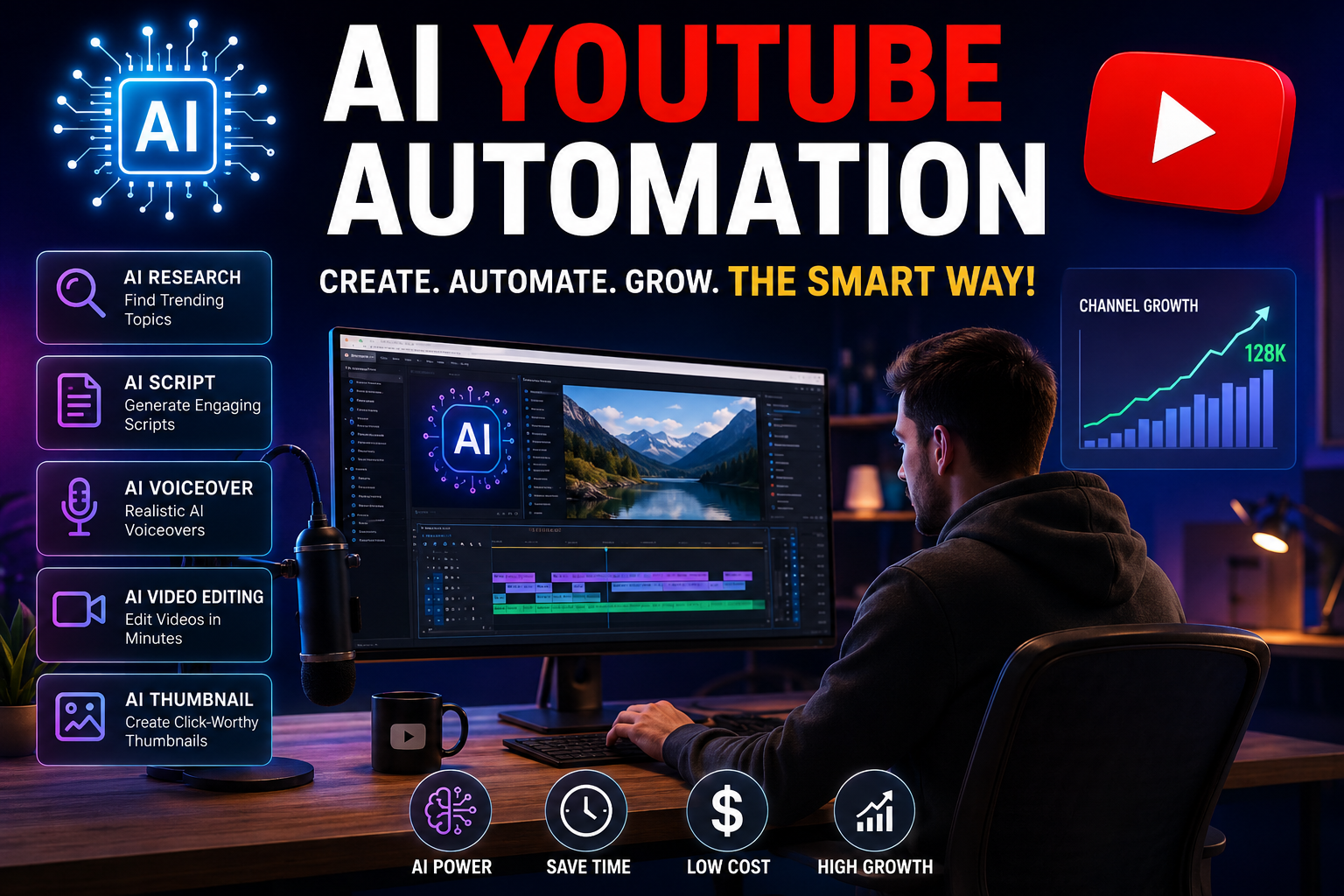
The Complete Beginner’s Guide to Growing a YouTube Channel with AI (2026)
Meta Title
AI YouTube Automation: Complete Guide to Creating and Growing a Faceless YouTube Channel in 2026
Meta Description
Learn how AI YouTube automation works, discover the best AI tools, and build a profitable faceless YouTube channel. Step-by-step guide for beginners in 2026.
Focus Keyword: AI YouTube Automation
URL Slug: ai-youtube-automation-guide
AI YouTube Automation: Everything You Need to Know
Artificial Intelligence is transforming the way creators build YouTube channels. With modern AI tools, you can research topics, write scripts, generate voiceovers, edit videos, design thumbnails, and optimize content much faster than before.
AI YouTube automation does not mean uploading low-quality spam. Instead, it means using AI to streamline repetitive tasks while maintaining original, valuable content for viewers.
If used responsibly, AI can save time, reduce production costs, and help creators publish consistently.
What Is AI YouTube Automation?
AI YouTube automation is the process of using artificial intelligence to assist with content creation and channel management.
Typical AI-assisted tasks include:
- Finding trending video ideas
- Writing video scripts
- Generating realistic voiceovers
- Editing videos
- Creating thumbnails
- Writing SEO titles and descriptions
- Keyword research
- Creating subtitles
- Translating videos into multiple languages
Benefits of AI YouTube Automation
1. Faster Content Creation
Tasks that once took several hours can often be completed much more quickly with AI assistance.
2. Lower Production Costs
Many AI tools reduce the need for expensive software or outsourcing, especially for solo creators.
3. Consistent Upload Schedule
Publishing regularly helps channels build an audience over time.
4. Better SEO
AI can help identify keywords, improve titles, and organize descriptions for better discoverability.
5. Global Audience
Translation and AI voice tools make it easier to reach viewers in different languages.
Best AI Tools for YouTube Automation
AI Writing
- ChatGPT
- Claude
- Gemini
Voice Generation
- ElevenLabs
- PlayHT
Video Editing
- CapCut
- Descript
AI Video Generation
- Pika
- Runway
Thumbnail Design
- Canva
- Adobe Express
Keyword Research
- TubeBuddy
- VidIQ
Step-by-Step AI YouTube Workflow
Step 1: Choose a Profitable Niche
Popular niches include:
- Artificial Intelligence
- Technology
- Personal Finance
- Health & Fitness
- Education
- Motivation
- Travel
- Business
- Productivity
Step 2: Find Trending Topics
Research:
- YouTube Search
- Google Trends
- Reddit communities
- News websites
- Competitor channels
Focus on questions people are actively searching for.
Step 3: Write a High-Quality Script
A good script should include:
- A strong hook
- Clear explanations
- Practical examples
- Smooth transitions
- A call to action
Always review and edit AI-generated text to ensure accuracy and originality.
Step 4: Create a Voiceover
Use a natural-sounding AI voice or record your own narration.
Speak clearly and match the tone to your audience.
Step 5: Edit the Video
Include:
- Relevant visuals
- B-roll footage
- Smooth transitions
- Captions
- Background music (properly licensed)
- Zoom effects where appropriate
Step 6: Design an Eye-Catching Thumbnail
An effective thumbnail should have:
- Large readable text
- High contrast
- Simple composition
- Clear focal point
- Strong visual emotion or curiosity
Step 7: Optimize for YouTube SEO
Include your target keyword in:
- Video title
- Description
- First paragraph
- Tags (where relevant)
- Spoken content
- File name before uploading
Common Mistakes to Avoid
- Publishing AI-generated content without fact-checking
- Using copyrighted images, videos, or music
- Creating misleading thumbnails or titles
- Ignoring audience feedback
- Uploading inconsistent or low-value content
Can AI YouTube Channels Make Money?
Yes. Many creators monetize channels through:
- YouTube Partner Program
- Affiliate marketing
- Sponsorships
- Selling digital products
- Online courses
- Memberships
- Merchandise
Success depends on producing original, engaging content that follows platform policies.
Frequently Asked Questions
Is AI YouTube automation allowed?
Using AI tools is generally acceptable when your content follows YouTube’s policies and remains original, accurate, and valuable.
Can beginners start an AI YouTube channel?
Yes. Many beginners use AI to help with scripting, editing, and planning while learning video production.
Do I need to show my face?
No. Many educational, documentary, and tutorial channels use narration with visuals instead of on-camera appearances.
How often should I upload?
A consistent schedule—such as one or two quality videos per week—is usually more sustainable than uploading frequently with lower quality.
Final Thoughts
AI YouTube automation can significantly improve your workflow by handling repetitive tasks and helping you produce content more efficiently. However, lasting success still depends on creativity, originality, and providing genuine value to your audience.
Treat AI as an assistant—not a replacement for thoughtful content creation. Channels that consistently educate, entertain, or solve problems are the ones most likely to grow over time.
SEO Keywords
AI YouTube Automation, AI YouTube Channel, Faceless YouTube Channel, AI Video Creator, YouTube Automation Guide, Best AI Tools for YouTube, YouTube SEO, AI Voice Generator, AI Video Editing,



One Comment
Если нет времени на настройку, можно просто заказать услуг рассылки хрумер https://www.olx.ua/d/uk/obyavlenie/progon-hrumerom-dr-50-po-ahrefs-uvelichu-reyting-domena-IDXnHrG.html у профессионалов.